
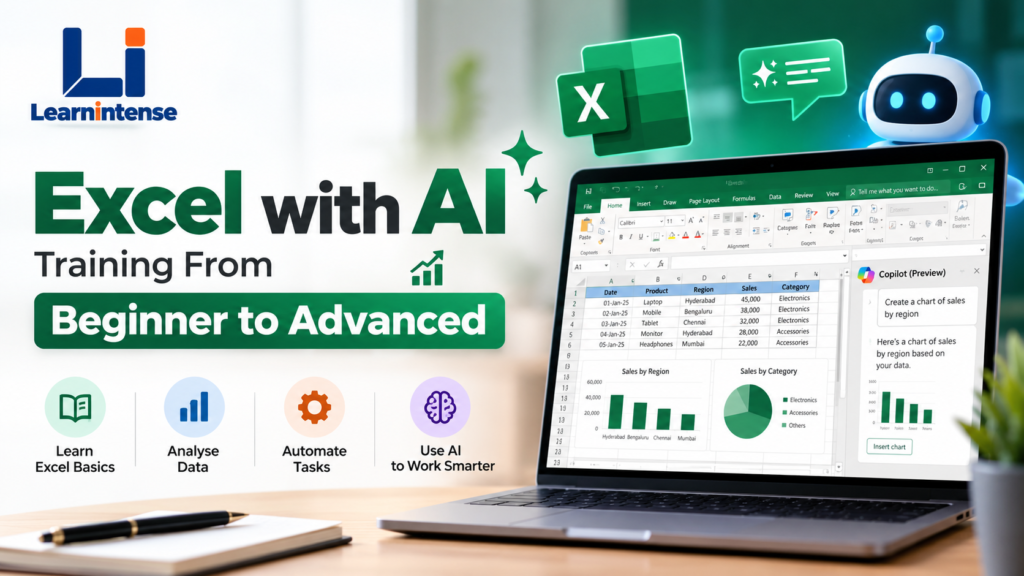
Excel is still one of the most widely used tools for managing data, creating reports, analysing business information, and making day-to-day work more efficient. But the way people use Excel is changing rapidly.
With AI tools such as ChatGPT and Microsoft Copilot, Excel users can now get help with formulas, analyse datasets, automate repetitive tasks, generate insights, and build reports faster. Microsoft itself provides learning resources focused on using AI and Copilot with Excel.
That is where Excel with AI training becomes useful—not simply learning Excel commands, but learning how to combine Excel skills with AI to solve practical problems.
Why Learn Excel with AI?
Many learners start with basic Excel functions such as SUM, AVERAGE and COUNT. As their work becomes more complex, they encounter formulas, PivotTables, dashboards, data cleaning, automation and reporting.
AI can become an additional productivity layer.
For example, instead of spending a long time trying to remember the correct formula structure, you can describe the problem to an AI assistant and use its suggested formula as a starting point. You can also use AI to explain formulas, troubleshoot errors and help structure analysis.
However, AI should support your Excel knowledge rather than replace it. You still need to understand your data, verify formulas and check whether the output makes business sense.
What Will You Learn in Excel with AI Training?
A structured beginner-to-advanced learning path can cover several important areas.
1. Excel Fundamentals
If you’re starting from scratch, the first step is understanding the Excel environment.
You can learn:
- Workbooks and worksheets
- Rows, columns and cells
- Data entry and formatting
- Cell references
- Relative and absolute references
- Sorting and filtering
- Basic formulas
- Excel shortcuts
- Tables and structured data
These fundamentals create the foundation for more advanced Excel work.
2. Excel Formulas and Functions
Formulas are at the heart of Excel-based analysis.
A complete learning path can gradually introduce functions such as:
- SUM and AVERAGE
- COUNT and COUNTA
- IF and IFS
- SUMIF and SUMIFS
- COUNTIF and COUNTIFS
- VLOOKUP
- XLOOKUP
- INDEX and MATCH
- TEXT functions
- Date and time functions
- Logical functions
AI can also help explain what a formula does or suggest approaches when you’re working with a complex requirement.
3. Data Analysis with PivotTables
When a spreadsheet contains thousands of records, manually analysing the data can become difficult.
PivotTables allow users to summarise and explore large datasets efficiently. Combined with PivotCharts, filters and slicers, they can become the foundation for interactive reports and dashboards.
You’ll typically learn how to:
- Create PivotTables
- Group data
- Filter and sort information
- Add calculated fields
- Create PivotCharts
- Use slicers
- Build summary reports
4. Excel Dashboards and Reporting
Businesses frequently need reports that make important information easy to understand.
An Excel dashboard can bring together:
- KPIs
- Charts
- Tables
- Trends
- Comparisons
- Performance indicators
The goal isn’t simply to make a spreadsheet look attractive. A useful dashboard should help the person viewing it understand the information quickly and make decisions based on the underlying data.
5. Data Cleaning and Power Query
Real-world data is rarely perfect.
You may encounter:
- Duplicate records
- Missing values
- Incorrect formats
- Inconsistent names
- Unnecessary columns
- Multiple data sources
Power Query can help users import, clean and transform data through repeatable workflows.
Learning these techniques can be particularly useful for professionals who regularly prepare MIS reports or work with large datasets.
6. Excel Automation
Advanced Excel training can also introduce automation through features such as Macros and VBA.
Automation can reduce repetitive work such as:
- Formatting recurring reports
- Preparing monthly files
- Updating calculations
- Creating standard reports
- Repeating data-processing steps
AI can also assist with understanding or generating VBA code, but the resulting code should always be reviewed and tested before being used with important business data.
How AI Changes the Way You Use Excel
The biggest change isn’t that AI eliminates the need to learn Excel.
Instead, AI can make the learning and working process more interactive.
For example, you can ask an AI assistant:
“I have sales data in columns A to F. I want to calculate total sales for each salesperson only when the region is Hyderabad.”
The AI can suggest a formula or explain different ways of approaching the problem.
You can then test the result against your actual data.
This creates a workflow like:
Understand the problem → Ask AI for assistance → Apply the solution in Excel → Verify the result → Improve the workflow
That combination of human understanding, Excel knowledge and AI assistance can make spreadsheet work considerably more efficient.
Who Should Learn Excel with AI?
Excel with AI training can be useful for a wide range of learners, including:
Students
Students can develop practical spreadsheet and data-analysis skills before entering the workplace.
Job Seekers
Excel is commonly used in reporting, administration, finance, operations, sales and other business functions. Building practical Excel skills can help candidates prepare for roles where spreadsheet-based work is part of the job.
Working Professionals
If you already spend hours every week creating reports or manipulating spreadsheets, learning advanced Excel and AI-assisted workflows can help you approach those tasks more efficiently.
Business Owners
Small-business owners can use Excel for sales tracking, inventory, expenses, customer information and performance reporting.
Non-Technical Professionals
You don’t necessarily need programming experience to start learning Excel. A beginner-to-advanced course can progressively introduce more sophisticated tools and concepts.
Excel + AI vs Learning Excel Alone
Traditional Excel training focuses primarily on formulas, formatting, analysis and automation.
An Excel-with-AI approach adds another layer:
| Traditional Excel Skills | Excel + AI Skills |
|---|---|
| Learn formulas | Generate and understand formula suggestions |
| Manual troubleshooting | Use AI to help diagnose errors |
| Build reports | Get assistance structuring reports |
| Analyse data | Use AI to explore possible insights |
| Learn automation | Use AI to assist with automation ideas |
| Create dashboards | Use AI to help plan dashboard structures |
The important point is that AI works best when you understand the Excel fundamentals behind the output.
Why a Beginner-to-Advanced Learning Path Makes Sense
Learning random Excel tricks from different videos can leave gaps in your knowledge.
A structured learning path allows you to build skills progressively:
Beginner → Formulas → Data Analysis → PivotTables → Dashboards → Power Query → Automation → AI-assisted Excel
This approach makes it easier to understand not only what a feature does, but also when you should use it.
Start Learning Excel with AI
If your goal is to move from basic spreadsheet knowledge toward advanced Excel, automation and AI-assisted workflows, a structured course can provide a clear learning path.
LearnIntense offers an Excel with AI Training – From Beginner to Advanced program designed around this combination of Excel and AI skills.
Explore the Excel with AI Training at LearnIntense
Whether you’re a student, job seeker, working professional or business owner, the key is to go beyond simply knowing Excel functions. Learn how Excel works, understand your data, and then use AI to work smarter.
Frequently Asked Questions
Do I need advanced Excel knowledge to learn Excel with AI?
No. A properly structured beginner-to-advanced program can start with Excel fundamentals and progressively introduce advanced features and AI-assisted workflows.
Do I need programming knowledge?
Not for learning the fundamentals of Excel and AI-assisted Excel workflows. Advanced automation topics may introduce concepts such as VBA, depending on the training curriculum.
Can AI create Excel formulas?
AI tools can suggest formulas based on a description of your requirement. You should still test and verify the formula against your actual data.
Can Excel with AI help with data analysis?
Yes. AI can assist with formula creation, explanations, data-analysis approaches and reporting workflows, while Excel remains the environment where you work with and verify the underlying data. Microsoft provides dedicated training resources for using AI with Excel.
Is Excel still useful in the age of AI?
Yes. AI can make Excel work faster, but understanding spreadsheets, formulas, data structures and analysis remains important for producing and checking reliable results.