Complete Excel with AI Training: Beginner to Advanced Become a Job-Ready Excel & AI Professional
Master Microsoft Excel from fundamentals to advanced level and learn how to use AI-powered tools to work faster, analyze data efficiently, automate repetitive tasks, and create professional reports and dashboards.
Learn through practical exercises, business scenarios, assignments, and real-world projects.
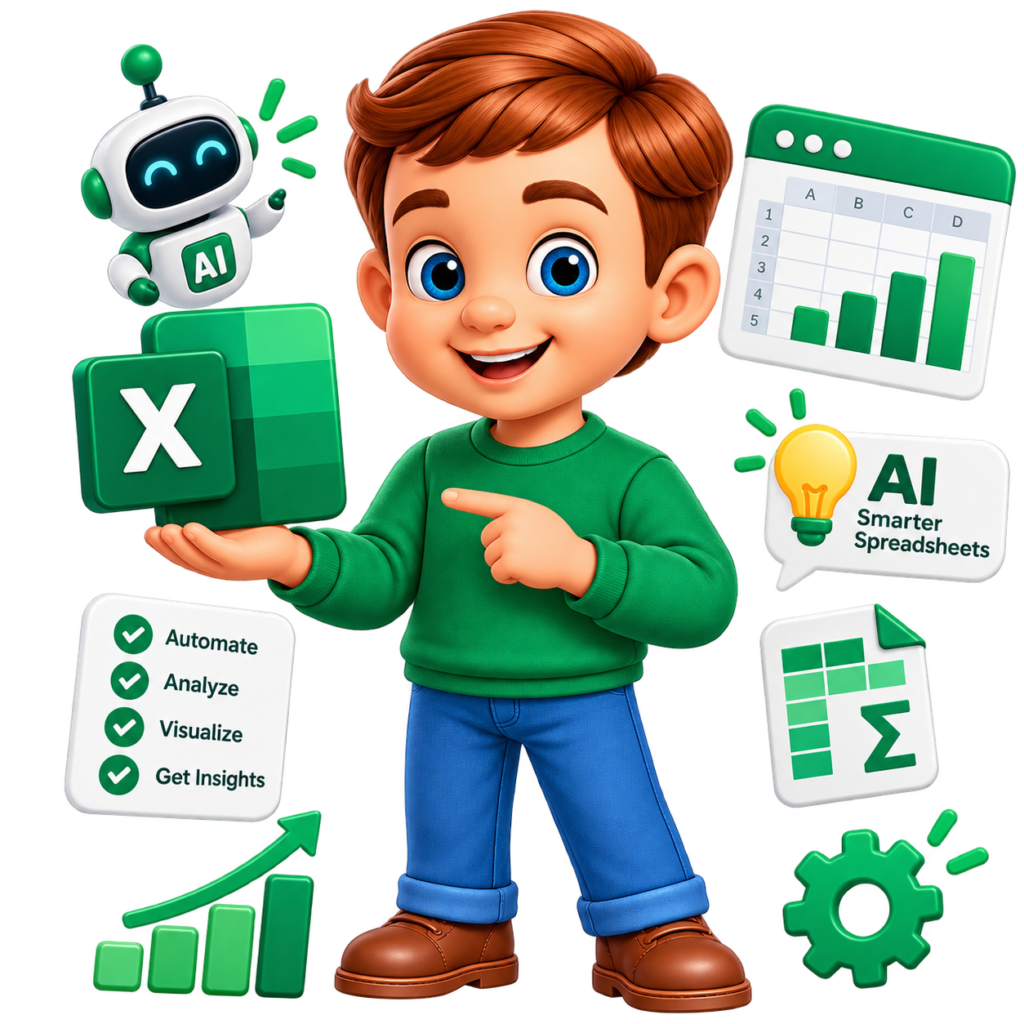
WHY SPEND YEARS MASTERING EXCEL WHEN AI CAN DO THE HEAVY LIFTING?
Most students and freshers believe that becoming good at Excel requires years of learning formulas, functions, and complex spreadsheets. That’s a common misconception.
Modern professionals are using AI-powered Excel to analyze data, automate repetitive tasks, build formulas, create reports, and uncover insights faster. Instead of manually working through complex spreadsheets, you can use AI to simplify data analysis, generate formulas, create visualizations, and automate everyday workflows. It’s a practical, high-value skill that can help you work smarter and stand out in today’s workplace.
What is Excel with AI?
Excel with AI combines the power of Microsoft Excel and artificial intelligence to simplify data management, reporting, analysis, and business decision-making.
Professionals can use Excel and AI-powered tools to improve efficiency in:
Smart Formula Generation
Data Cleaning & Analysis
Automated Report Creation
Dashboard Development
Business Insights & Forecasting
Data Visualization
Repetitive Task Automation
AI-Powered Productivity
This course covers Excel fundamentals, advanced functions, data analysis, dashboards, automation, and AI tools to help learners manage data efficiently and solve real-world business challenges.
Why Learn Excel with AI?
Essential Skill for Modern Careers
Excel is widely used across industries, including finance, banking, IT, HR, sales, marketing, operations, and business analytics.
AI-Powered Productivity
Learn how AI tools can simplify formulas, analyze large datasets, generate reports, and reduce repetitive manual work.
Beginner-to-Advanced Learning
Start with Excel basics and progress to advanced formulas, PivotTables, Power Query, interactive dashboards, and AI-assisted analytics.
Practical, Industry-Focused Training
Gain hands-on experience with real-world datasets, business reports, assignments, and practical exercises.
Smarter Business Decision-Making
Develop the ability to transform raw data into meaningful insights using advanced Excel features, visualizations, and AI-assisted analysis.
Excel & AI Skills You'll Master
Excel Fundamentals
Learn spreadsheets, worksheets, formatting, formulas, and data management.
Advanced Formulas & Functions
Master commonly used formulas for calculations, lookups, text processing, dates, and data analysis.
Data Analysis
Analyze and organize business data using sorting, filtering, PivotTables, and advanced Excel features.
Dashboards & Reporting
Create interactive reports, charts, dashboards, and business summaries.
AI for Excel ⭐
Learn how to integrate AI tools with Excel to simplify complex tasks, improve data accuracy, and boost productivity. Discover how AI can assist with formula generation, data analysis, report creation, and workflow automation.
- AI-Powered Formula Generation & Explanation
- Automated Data Cleaning & Formatting
- Smart Data Analysis & Pattern Identification
- Report Generation & Data Summarization
- AI-Assisted Dashboard Planning
- Business Insights & Trend Analysis
- Predictive Analysis & Forecasting Basics
- Error Detection & Formula Troubleshooting
- Natural Language Queries for Data Insights
- Repetitive Task Automation
- AI-Powered Charts & Data Visualization
- Productivity Enhancement with AI Tools
Your Excel with AI Learning Journey
Start from the basics and progress step by step to become a job-ready with Excel with AI.
Phase 1: Excel Fundamentals
Learn Excel basics, worksheets, formatting, calculations, and data entry.
Phase 2: Formulas & Functions
Master essential and advanced Excel functions.
Phase 3: Data Management & Analysis
Learn sorting, filtering, validation, cleaning, and data analysis techniques.
Phase 4: PivotTables & Reporting
Analyze large datasets and generate professional reports.
Phase 5: Dashboards & Visualization
Create charts and interactive dashboards.
Phase 6: AI & Automation
Use AI-powered tools and Excel automation concepts to improve productivity.
REAL-TIME EXCEL PROJECTS
Sales Performance Dashboard
Create a dashboard to analyze sales performance.
Skills Covered:
- Formulas
- PivotTables
- Charts
- KPIs
- Dashboard Design
HR Analytics Report
Analyze employee and HR-related data.
Skills Covered:
- Data Cleaning
- Functions
- PivotTables
- Charts
- Reporting
Financial Data Analysis
Analyze business and financial datasets.
Skills Covered:
- Advanced Formulas
- Data Analysis
- Conditional Formatting
- Reporting
AI-Assisted Data Analysis Project
Use AI to assist with:
- Formula Creation
- Data Understanding
- Insight Generation
- Report Summaries
- Dashboard Planning
Automated Business Report
Create a structured report using formulas, PivotTables, charts, and automation concepts.
Customer Data Analysis
Analyze customer information and generate useful insights.
Career Opportunities
- MIS Executive
- Data Analyst
- Business Analyst
- Reporting Analyst
- Operations Analyst
- Financial Analyst
- HR Analyst
- Sales Analyst
- MIS Analyst
Who Can Learn Excel with AI?
- Students
- Freshers
- Job Seekers
- Working Professionals
- Non-IT Professionals
- Business Professionals
- HR Professionals
- Finance Professionals
- Sales & Marketing Professionals
What makes this course Difference?
- Module-Wise Quizzes & Assignments
- 100% Placement Assistance
- Trainers with 10+ Years of Industry Experience
- Live Interactive Online Training
- 2 Years of Session Recording Access
- Live Doubt Support
- Free Career Booster Sessions Worth ₹10,000
- Dedicated Job Updates
- Industry-Ready DevOps Training
- Interview Questions & Study Materials
- Resume & LinkedIn Profile Optimization
- Easy EMI Options Available
Complete Excel with AI Course Curriculum
Start from the basics and progress step by step to become a job-ready with Excel with AI.
Build a strong foundation in Excel.
- Introduction to Excel
- Excel Interface
- Workbook & Worksheets
- Rows & Columns
- Cells & Ranges
- Data Entry
- File Management
- Basic Navigation
- Keyboard Shortcuts
Learn how to organize professional spreadsheets.
- Cell Formatting
- Number Formatting
- Fonts & Alignment
- Conditional Formatting
- Tables
- Data Sorting
- Data Filtering
- Freeze Panes
- Page Layout & Printing
Master the essential formulas used in day-to-day business work.
- Basic Calculations
- SUM
- AVERAGE
- COUNT
- COUNTA
- MIN & MAX
- ROUND Functions
- Percentage Calculations
- Absolute & Relative References
Learn how to apply conditions and business logic.
- IF Function
- Nested IF
- IFS
- AND
- OR
- NOT
- IFERROR
- Practical Business Scenarios
Learn how to retrieve data from large datasets.
- VLOOKUP
- HLOOKUP
- XLOOKUP
- INDEX
- MATCH
- INDEX + MATCH
- Lookup Error Handling
Clean and manipulate text data.
- LEFT
- RIGHT
- MID
- LEN
- TRIM
- UPPER
- LOWER
- PROPER
- CONCAT
- TEXTJOIN
- FIND & SEARCH
- SUBSTITUTE
Work effectively with date-related data.
- TODAY
- NOW
- DATE
- DAY
- MONTH
- YEAR
- DATEDIF
- NETWORKDAYS
- WORKDAY
Develop advanced data analysis skills.
- Dynamic Arrays
- FILTER
- SORT
- UNIQUE
- SEQUENCE
- Advanced Lookup Techniques
- Nested Functions
- Formula Troubleshooting
Prepare data for reporting and analysis.
- Remove Duplicates
- Text to Columns
- Flash Fill
- Find & Replace
- Error Handling
- Blank Cell Management
- Data Validation
- Data Cleaning Techniques
Create clear and professional reports.
- Column Charts
- Bar Charts
- Line Charts
- Pie Charts
- Combo Charts
- Advanced Chart Formatting
- Choosing the Right Chart
- Data Storytelling Basics
Create professional business dashboards.
- Dashboard Planning
- KPI Creation
- Charts & Visuals
- PivotCharts
- Slicers
- Interactive Reports
- Sales Dashboard
- HR Dashboard
- Business Performance Dashboard
Learn how AI can support your Excel workflow.
- Introduction to AI for Excel
- AI-Assisted Formula Writing
- Formula Explanation
- Data Analysis Assistance
- Data Cleaning Assistance
- Report Summaries
- Finding Insights from Data
- AI Prompt Writing for Excel Tasks
- AI-Assisted Dashboard Planning
Understand how modern AI tools can improve productivity.
- ChatGPT for Excel Tasks
- Prompt Engineering Basics
- Formula Generation Concepts
- Data Analysis Prompts
- Report & Summary Generation
- AI-Assisted Business Insights
- Responsible Use of AI
- AI Output Validation & Data Privacy
Understand ways to reduce repetitive work.
- Introduction to Automation
- Repetitive Task Identification
- Macro Recording Basics
- Introduction to VBA Concepts
- Automation Workflow Basics
- AI-Assisted Automation Ideas
Stay updated with modern Excel and AI workflows.
- Dynamic Array Functions
- XLOOKUP
- AI-Assisted Formula Creation
- AI-Powered Data Insights
- Smart Data Analysis Workflows
- Modern Dashboard Design
- Data Storytelling
- AI-Assisted Reporting
- Productivity Automation Concepts
Analyze large datasets quickly.
- PivotTable Creation
- PivotTable Fields
- Sorting & Filtering
- Grouping Data
- Calculated Fields Basics
- PivotTable Formatting
- Pivot Charts
- Slicers
Analyze business data efficiently.
- Sorting & Filtering
- Advanced Filter Concepts
- Subtotals
- Conditional Formatting
- What-If Analysis Basics
- Goal Seek
- Data Tables
- Power Query for Data Cleaning & Transformation
- Introduction to Power Pivot & Data Models
- Scenario Manager Basics
⭐⭐⭐⭐⭐
Complete Excel with AI Training Course Fee Structure
Actual Price
Rs.49,999/-
Special Price
Rs.9,999/-
Save
Rs.40,999/-
- Time : 8:00AM - 9:00AM , 3+ Months Duration
- Start Date: Coming Soon
Beyond Courses. We Build Careers.
Every program includes industry-focused add-on sessions designed to help students crack jobs, freelance, switch careers, and grow professionally.
LinkedIn Optimization
Freelancing
Career Switch Guidance
Job Search Strategy
Financial Awareness
Portfolio Building
Client Acquisition
HR + Salary Negotiation
Communication Bootcamp
Proof of Your Potential: Alumni Success Stories
At Learn Intense, we help students build successful DevOps careers through hands-on training, real-time projects, and industry-ready skills. Our practical approach prepares you for high-demand DevOps and Cloud job opportunities.
FAQs
No. The course starts with Excel fundamentals and gradually progresses toward advanced concepts.
Yes. Excel is widely used across IT and non-IT industries.
Yes. The course covers important formulas, logical functions, lookup functions, text functions, date functions, and modern Excel functions.
You will learn how AI can assist with formulas, data analysis, report summaries, insights, and productivity workflows.
Yes. You will learn PivotTables, charts, KPIs, and dashboard creation concepts.
Yes. The course is suitable for beginners, working professionals, job seekers, and professionals who use Excel for reporting, analysis, and business tasks.
Yes. The updated curriculum introduces Power Query concepts for cleaning and transforming business data.
The course introduces Power Pivot and data-model concepts to support advanced analysis of larger datasets.
Yes. The course develops practical Excel, reporting, dashboard, data analysis, and AI-assisted productivity skills relevant to several data and business roles.
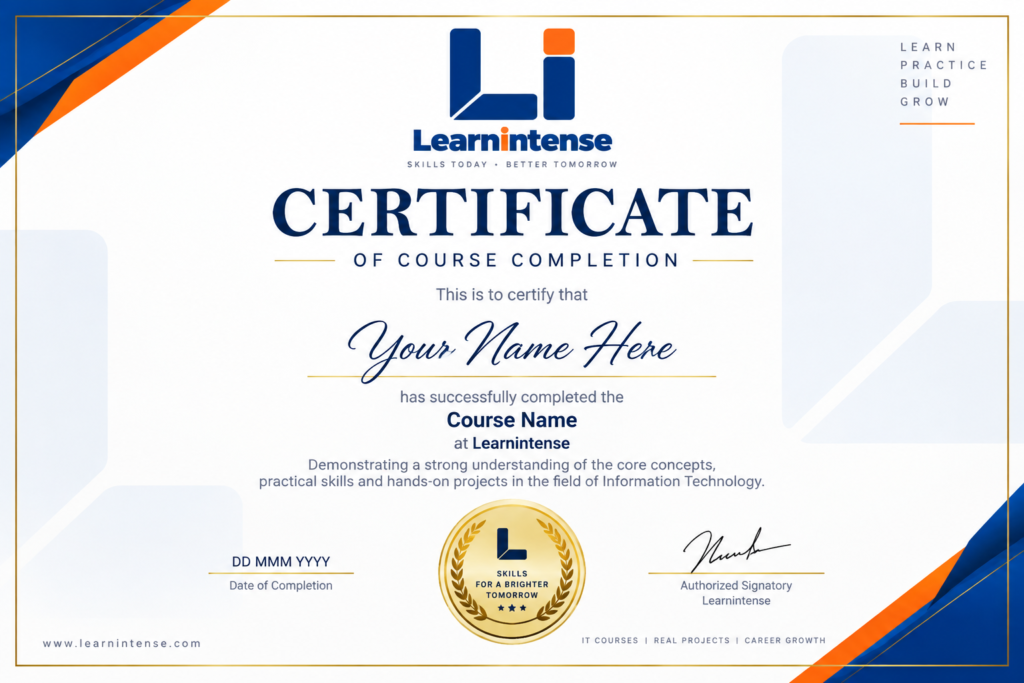
Get Certified
Once you submit your projects and successfully clear the pre-placement test, you’ll receive a Certificate recognizing your Industry Readiness.